AI Automations
Let the systems handle the repetitive tasks.
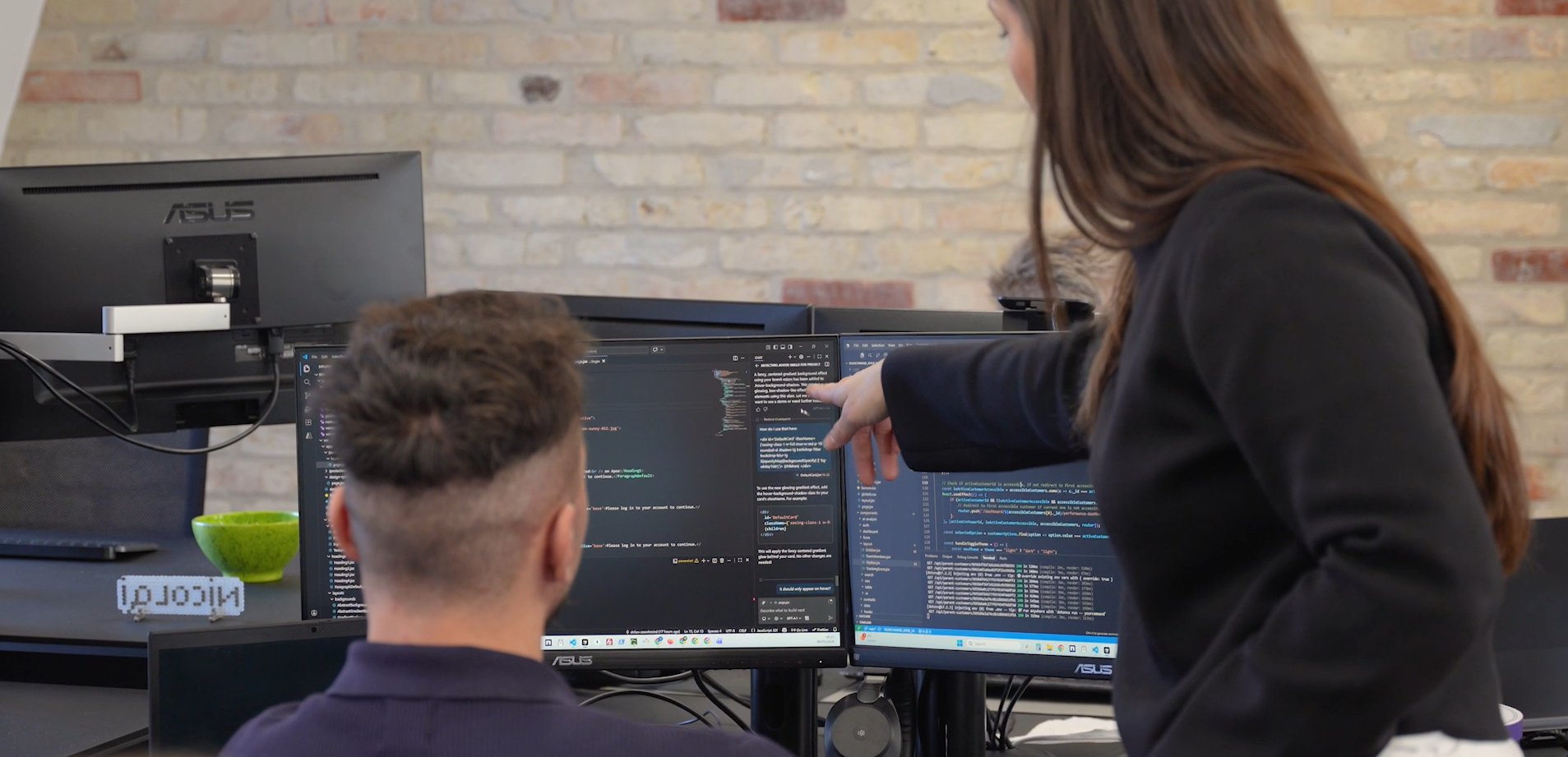
From manual routines to workflows in operation
A customer enquires about their order. An invoice needs to be matched with a purchase order. The weekly report is missing figures from three systems.
We connect your systems and build AI agents and workflows that retrieve information, prepare responses and pass tasks on. You decide what can happen automatically and when an employee needs to approve.
We build on the systems you already use
 Shopify
- Make
 n8n
 Claude
 ChatGPT
- Zendesk

- + your own systems
From data to a concrete next step
The AI reads the task, checks your systems and prepares the result. An employee always has the final say.
Customer service
- 01
The task comes in
AWhere is my order? #10482Anne K.to customer serviceHi. I ordered a rain jacket five days ago and haven't heard anything. Can you help?
- 02
The data is checked
StatusShippedShippingPostNordTrackingReadyThe order has been found
- 03
The result is prepared
Draft readyReply to Anne K.Hi Anne. Your order #10482 has been shipped with PostNord. You can track the package here: postnord.dk/spor …An employee reads and sends the reply
- 01
The task comes in
AWhere is my package??Anne K.to customer serviceHi. I still haven't received my jacket. What's going on?
- 02
The data is checked
Order numberMissing from the emailCustomer emailMultiple ordersStatusCannot be determinedThe order cannot be identified with certainty
- 03
The result is prepared
For manual reviewAsk for the order numberThe order number is missing, and the customer has multiple orders. Ask for the order number before replying.Sent to an employee
Product and inventory data
- 01
The task comes in
Cykel Pro rain jacketVariant: M / Black · SKU CP-M-BLK0 in stock - 02
The data is checked
SKU CP-M-BLK24 unitsLocationMain warehouseWebshopShows 0The discrepancy can be described
- 03
The result is prepared
Draft readyCorrect inventory status for CP-M-BLKERP shows 24 units, but the webshop shows 0. Synchronise the inventory for the variant.The person responsible approves the change
- 01
The task comes in
Cykel Pro rain jacketVariant: M / Black · SKU CP-M-BLK0 in stock - 02
The data is checked
SKU CP-M-BLKNot updatedLatest stock count3 weeks agoWebshopShows 0Inventory status needs to be clarified
- 03
The result is prepared
For manual reviewCount the variant in the warehouseThe inventory data is too old to correct automatically. Check the stock manually.Sent to the warehouse
Invoices
- 01
The task comes in
LInvoice 2291Supplier A/Sto accountingPlease find attached the invoice for delivery of 50 rain jackets.
faktura-2291.pdf - 02
The data is checked
Purchase orderPO-3318SupplierMatchesAmountkr. 12.450 = kr. 12.450The invoice and order match
- 03
The result is prepared
Draft readyDocument ready for approvalInvoice 2291 matches PO-3318. The document and verification are attached.An employee approves it before it is posted
- 01
The task comes in
LInvoice 2291Supplier A/Sto accountingPlease find attached the invoice for delivery of 50 rain jackets.
faktura-2291.pdf - 02
The data is checked
Purchase orderPO-3318SupplierMatchesAmountkr. 12.950 ≠ kr. 12.450There is a difference in the amount
- 03
The result is prepared
For manual reviewClarify the difference of kr. 500The invoice is kr. 500 higher than the purchase order. The document is awaiting clarification.Sent to the person responsible
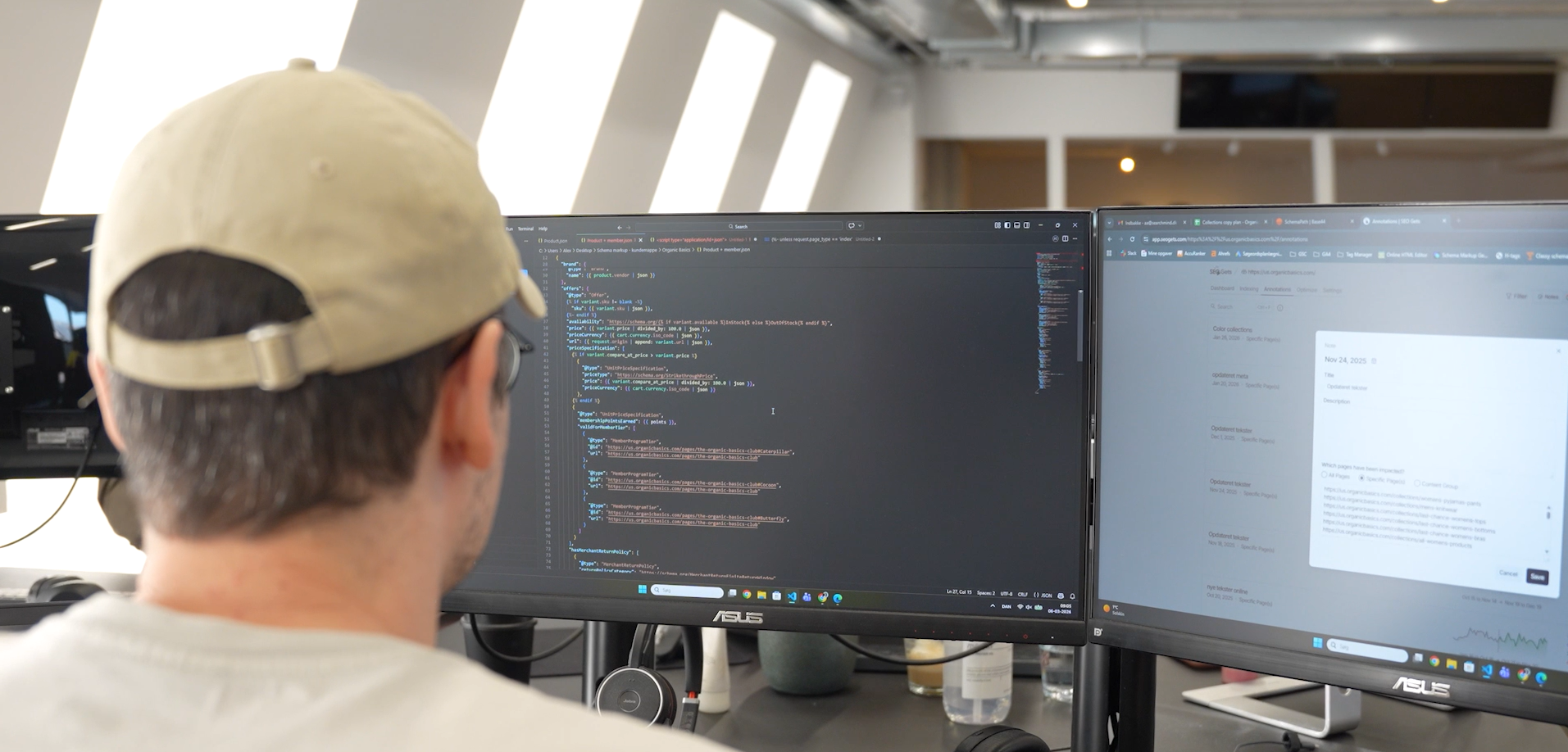
The agent prepares, you decide
The agent only works with the data you grant access to. We agree in advance which systems it may read from and what it may use the information for. Everything else remains closed.
Within those boundaries, the agent does the groundwork. It looks up, cross-references and prepares, so your employees don't have to search for information across systems. The task surfaces when it is ready for review.
The final decision always rests with you. An employee approves before anything is sent or changed. All events are logged, so you can follow what the agent has done and adjust the boundaries when you are ready to give it more responsibility.
Reads data
Creates drafts
You approve
What we can help you with
Choose an area and see what the task looks like in the systems you already use.
Data and insights
Sales figures, conversion and deviations
Daily monitoring with a notification when something deviates.
A drop in mobile conversion triggers a notification with the underlying data and possible explanations for the team to investigate.
Mobile conversion has been clearly below normal since yesterday at 14:00. Desktop is unchanged. Possible cause: an error in checkout on iOS.
The team is notified immediately, with the underlying data included.
Analysis of return reasons
Categorisation of return comments and patterns by product.
Return comments indicate that a model is often described as running small. The team receives a suggestion to clarify the size guide.
Customers' own words are grouped automatically. Here, the pattern points to the size guide.
Analysis of internal searches with no results
Finds searches with no results and suggests solutions.
Searches for a synonym with no results become new tags or an assortment suggestion.
Customer searches reveal what is missing from tags, filters or the assortment.
Automation and AI agents
Shopify Flow automations
Rules for inventory, orders, tags and customer segments.
Products with low inventory are tagged, and purchasing is notified automatically.
This is what the rule looks like in Shopify Flow.
MCP servers and AI agents on your own systems
We connect AI assistants to selected system functions via MCP and limit access, actions and logging.
Customer service asks an agent about an order status, and it looks it up directly in the ERP.
→ status: shipped · carrier: PostNord
Order #10482 was shipped with PostNord yesterday. The customer can track the package via the tracking link.
The agent may only use the lookups you have granted access to via MCP.
AI agents for administrative tasks
We build flows for invoices, inboxes, orders and documents with reply drafts and approval for agreed actions.
An agent prioritises the inbox, retrieves order information and prepares a reply. Invoices can likewise be matched with orders and sent for approval.
The inbox is sorted, and the agent prepares replies and documents for approval.
Development and operations
Internal tools and dashboards
Custom tools that bring together data from multiple sources.
A dashboard brings webshop, ads and inventory together in one overview for management.
Data from multiple systems gathered in one place.
Automated reporting
Recurring reports are generated and sent automatically.
Every Monday, the week's agreed KPIs and deviations are compiled into a report and sent to the selected recipients.
In short: Revenue tracked expectations. Mobile declined midweek, and two products ran out of stock.
The report is generated and sent automatically with comments.
Webshop apps and extensions
Apps and functions for e.g. Shopify.
An internal app makes it possible to update hundreds of products in one step.
Many products are updated in one step in an internal app.
Advisory
AI strategy and roadmap
Where AI creates the most value, prioritised by impact and effort.
A workshop results in a prioritised plan with the first three automations.
After the workshop, the opportunities are prioritised. Start at the top left.
Rollout of Claude or ChatGPT
Setup, guidelines, training and integration.
The team gets a shared setup with guidelines, onboarding and access to the data sources approved for the purpose.
Shared projects with instructions and approved sources for each team.

We start small and build on what works
Many AI projects stall because they start too big. We begin with one concrete task that takes up time in everyday work, and get it running within your own systems. Once it runs reliably, we build further.
You are involved every step of the way. We agree in advance on which data the solution may use, where a team member must approve, and what needs to be in place before it goes live.
From the first task to a solution in operation
We start with a well-defined task and agree on what needs to be in place before the solution goes live.
Which workflow should we start with?
Start with one specific task you want assessed. We look at systems, data and the most important dependencies.
Book a meeting
Let's have an honest talk about your business
We skip the big agency gestures and look at your real data instead — to see whether a collaboration would actually make sense.
- 30 minutes, no obligation. The meeting is free, and you commit to nothing.
- We start from your data. We look at where you are today, and where we see the biggest opportunities.
- Online or at our office. You choose — and you don't need to prepare anything.
Who will you talk to?
One of our advisors, who knows your channels and can give an honest picture of where the potential lies. No sales pitch — just a conversation about your opportunities.
How it works
- 1 Pick a time that suits you
- 2 Get a confirmation email with a link to the meeting
- 3 We meet and talk through your opportunities
Questions about AI Automations
Repetitive tasks with available data and clear rules are a good place to start. This could be order lookups, invoice handling, reporting or checking data between systems.
We build a path to manual processing. Thresholds for confidence, amounts, data quality, and actions are defined in the solution, so relevant cases are routed to a human agent.
We agree on responsibility for operations, monitoring, and changes before rollout. Access, error alerts, and maintenance are defined as part of the handover.
We clarify data sources, purposes, access, storage, and vendor terms before development begins. GDPR requirements and the use of data for model training are factored into service selection, configuration, and agreements.


